A personalized frame has a lot to do in very little space. It has to hold a photograph and a message, sit on a shelf or hang on a wall, and still look like something worth keeping. When it works, nobody notices the decisions behind it. When it disappoints, the cause is almost always one of a handful of small, fixable choices made early on.
None of these mistakes require talent to avoid. They require a tape measure, a proof read at actual size, and a little restraint about how many words belong on a frame. Here are the ones that cause the most regret, and what to do instead.
1. Leaving no breathing space around the text
The most common layout problem is not bad taste. It is text placed too close to the edges. On a 13 × 18 cm frame, a line of engraving set five millimetres from the moulding looks cramped even when the lettering itself is beautiful, and it gives the eye nowhere to rest. The message starts to compete with the frame's own profile — especially on carved or stepped mouldings, where the border already has plenty going on.
A workable rule: keep at least one centimetre of clear space between the outermost letter and both the inner edge of the frame and the photo opening. On small frames, eight millimetres is the floor. If that leaves room for only two lines, use two lines.
If you have to shrink the font to fit the words, you have too many words.
2. Forgetting that the mount will cover part of the design
Frames with a mount — the cardboard border around the photo — overlap the image by a few millimetres on every side so the photograph doesn't slip. That overlap is invisible in a mock-up sent on a phone screen, and it is exactly where people tend to place a date, a small heart, or the first letter of a name.
Two habits prevent this. First, ask for the aperture size — the hole the photo shows through — rather than the frame size, and lay out your text against that measurement. Second, mention where your photograph will sit: a landscape photo in a portrait mount shifts the balance, and the text you centred in the design file may end up looking bottom-heavy.
Mount width matters too. A wide mount pushes the message to the outer edge of the frame, which is elegant for a single engraved line and crowded for five.
3. Choosing the technique after the material, instead of for it
Personalization is not one process. Engraving, printing and vinyl application behave very differently on wood, glass, metal and leather, and the wrong pairing is where durability problems begin.
- Solid wood: laser engraving cuts into the surface and lasts as long as the frame. On pale woods the contrast is good; on dark walnut or wenge the engraved line can almost disappear, so ask for a light paint fill if you want the text to read clearly.
- Glass: engraving leaves a frosted, permanent mark that catches the light. Fine serif lettering can look faint at small sizes — go up a weight rather than down a size.
- Acrylic: prints beautifully in colour, but the surface scratches and is less forgiving than glass. Better for a shelf than for a hallway where keys and bags land.
- Metal plates: crisp and modern, and excellent for short lines. Gradients and photographs need printing rather than engraving.
- Leather and fabric: engraving darkens the material and looks warm on a desk frame. Avoid it for anything that will sit in steamy rooms, where the surface can dull over time.
If colour matters to you — a favourite snapshot on the frame itself, a pattern, a watercolour motif — printing is the route. If permanence matters more, engraving is. Decide which one you actually need before choosing the frame.
4. Writing a paragraph where a line would do
A frame is not a greeting card. Long dedications force the font down to a size where thin strokes break up, and the result reads as decoration rather than a message. The frames people keep on their desks for years usually carry one strong line, one supporting line, and a date.
Compare "Happy Birthday to the most wonderful grandmother in the whole world, with all our love from all of us, June 2024" with "For Nonna — with love, June 2024." The second one gets read. The first one gets skimmed.
Three quick typography checks
- Avoid long strings in capitals; they slow reading and lose the shape of names.
- Script fonts are charming for a name and hard work for a date. Pair a script line with a plain one.
- Keep to two fonts, maximum. Three looks like a mistake, because it usually is.
5. Skipping the proof, and ignoring how the photo will print
Always ask to see a digital proof, then print it at 100% on ordinary paper and hold it at arm's length. Small errors that vanish on a bright screen — a doubled consonant, a missing apostrophe, an accent that the engraving font doesn't support — become obvious on paper. Check names letter by letter, and confirm before production that any accent or special character is available in the chosen typeface.
The photograph deserves the same attention. It needs enough pixels for the size you're printing: a phone snap is usually fine at 10 × 15 cm and clearly soft at 30 × 40 cm. Crop it to the aperture's proportions — 3:2, 4:3 or square — so that faces aren't trimmed by the mount. If the photo is old, slightly blurry or faded, tell the person preparing the file. A good restorer can often do more than a filter can.
6. Ignoring where the frame will actually live
A frame destined for a sunny windowsill and one headed for a dim hallway need different choices. Direct sunlight fades printed colour over time, so engraving or a light-fast print is the safer bet near a window. Bathrooms and kitchens bring humidity: solid wood and sealed metal cope well, while composite boards can swell at the edges. In a bright corridor, glossy glass turns into a mirror after dark — a matte or anti-reflective glazing solves it.
Practical details count as much as looks. Check whether you need an easel back for a shelf or hanging hardware for a wall, and whether the size you've chosen will crowd the space. A 30 × 40 cm frame above a small bedside table rarely looks generous; it looks heavy.
A five-minute check before you order
- Measure the aperture, not the frame, and keep one centimetre clear around your text.
- Count your words. If you can cut one line without losing meaning, cut it.
- Read every name aloud, then read it backwards to catch doubled letters.
- Print the proof at 100% and look at it from a normal viewing distance.
- Match the technique to the material and to the room the frame will live in.
- Confirm the photo's resolution and crop before the file goes to production.
Personalization goes wrong quietly: nothing breaks, nothing is obviously faulty, and yet the frame never quite feels right. Almost every time, the fix was available before the order was placed. Measure twice, write less, and choose the process to suit the material — the photograph will do the rest.
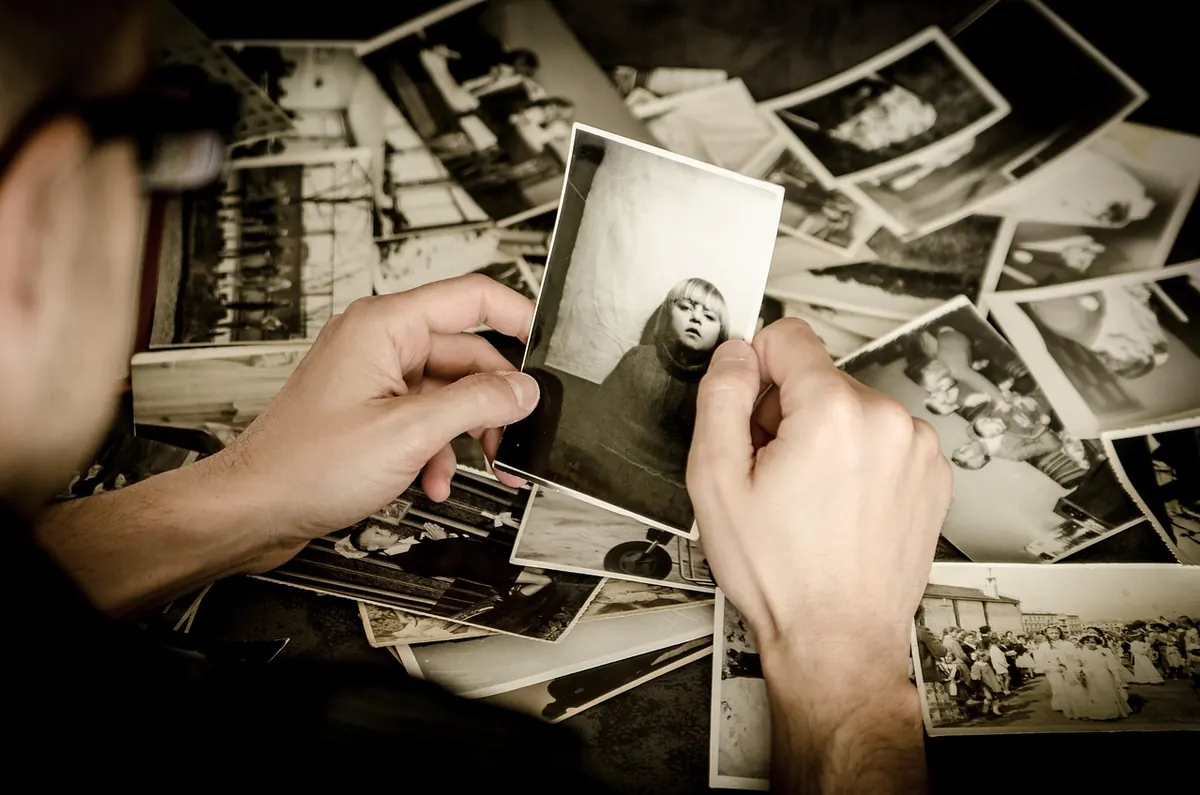
Photo: jarmoluk / Pixabay