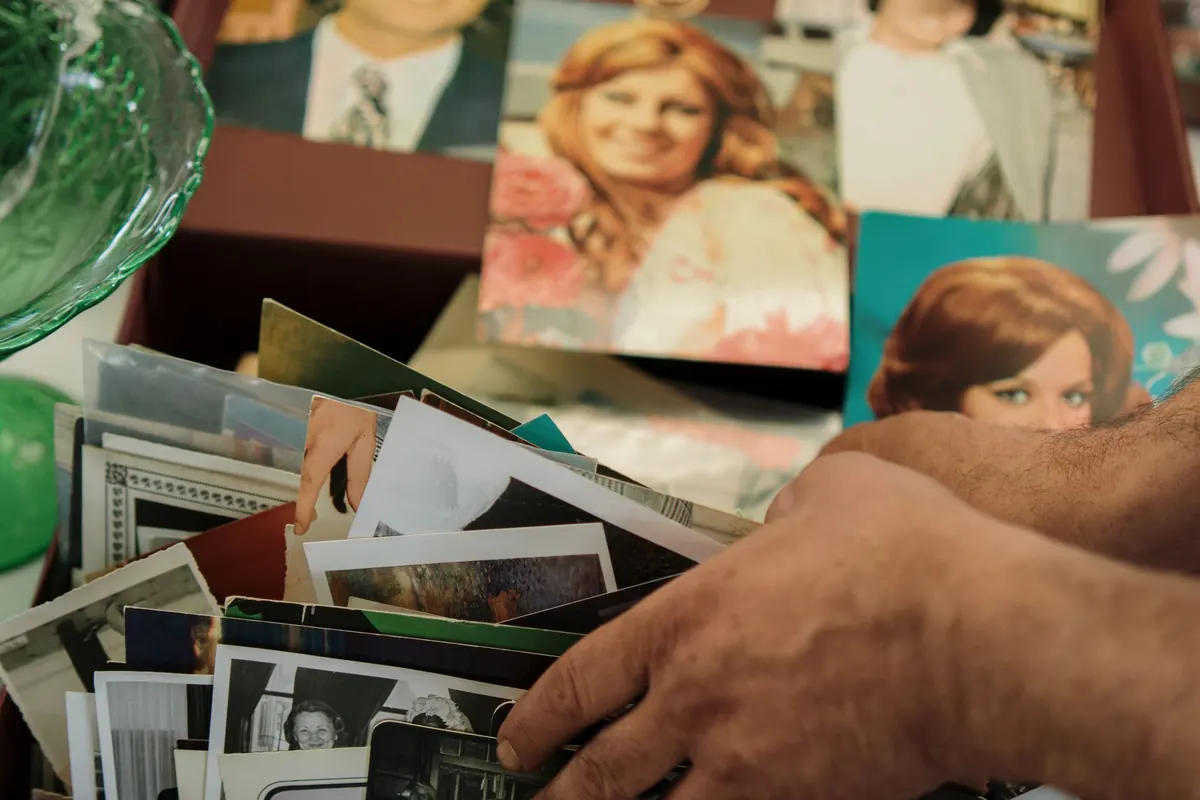
Most families keep their history in a shoebox, a battered album, or a folder of phone snapshots taken of prints. The photographs are precious, but they are also vulnerable: soft emulsion, fading dyes, brittle paper, and the ordinary risk of being handled too often. Turning a handful of them into framed memories is part curation, part technical work, and part patience. Done well, it gives a face and a date back to the wall—and keeps the fragile originals out of daily reach.
Begin with a careful sort, not a scanning marathon
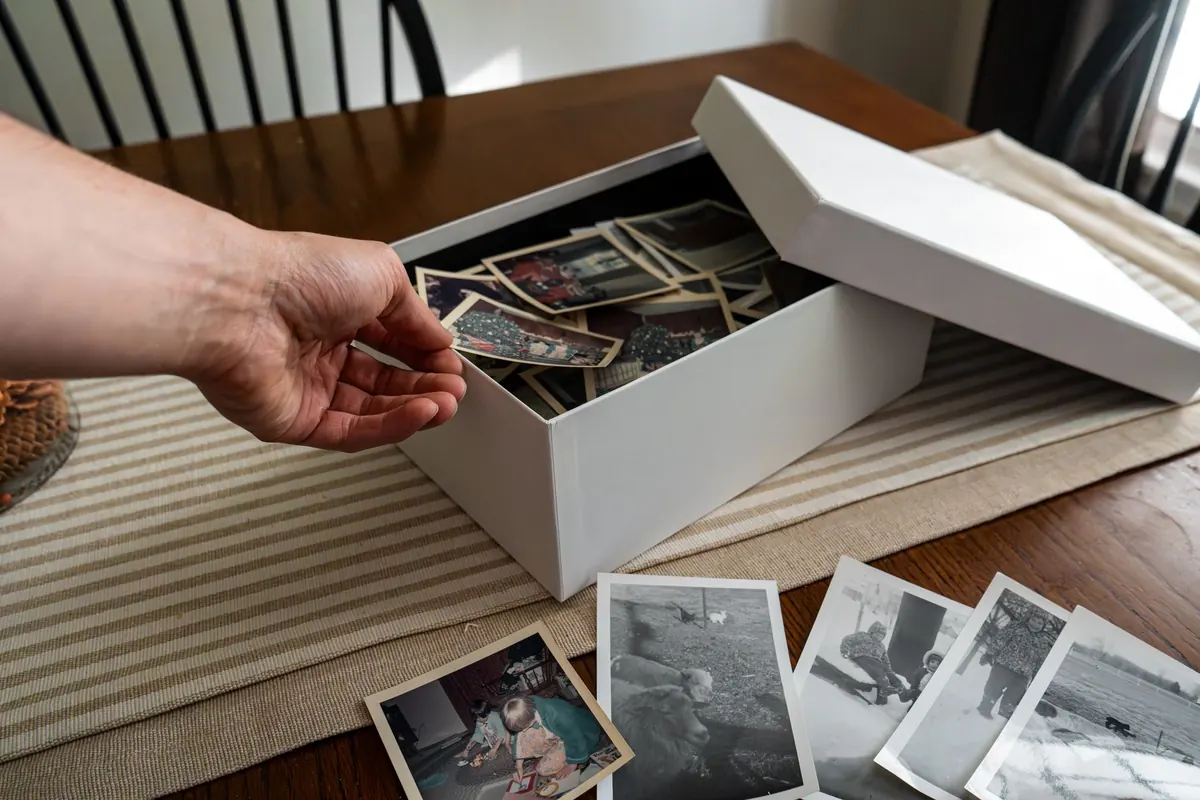
Empty one box or album at a time onto a clean, dry table. Wash and dry your hands first; avoid hand cream, food, and drinks nearby. Handle prints by the edges, and keep sleeves or a clean sheet of paper under anything that feels brittle. If a photo is stuck to another, do not pull it apart. Set it aside for a conservator or an experienced photo lab.
Sort into simple piles rather than trying to catalogue everything at once:
- People you can name, with dates or likely decades
- Places and houses, even if the people are unknown
- Events such as weddings, baptisms, military service, or holidays
- Unknown or damaged photographs that need another opinion
Write names and dates on an acid-free envelope or on the back of a modern print with a soft pencil—never on the image side, and never with ballpoint or marker. For old or fragile prints, label the envelope instead of the photo. A quick inventory on paper or in a spreadsheet will save you time later: who is in the picture, where it came from, and which relative might know more.
Choose photographs that earn the wall
Not every good photograph makes a good framed photograph. Faces need to be large enough to read from across a room, and the image needs a clear subject. A tight portrait, a wedding party, a house with the family car in front, a candid of someone laughing—these hold attention. A wide landscape with tiny figures usually gets lost behind glass.
For a single frame, pick one image with some breathing room around the subject. For a grouping, choose three, five, or six photos that share a tone or era. Avoid near-duplicates: if you have two versions of the same pose, keep the sharper one. Think about the room as well. A dark hallway can take a brighter print; a sunlit wall needs UV protection and a paper that will not glare.
Test the crop before you commit. Cut a paper frame to the proportions you are considering, or crop a digital copy on screen. Leave enough space so that heads, hands, and the edges of buildings are not sliced off.
Scan for a faithful digital copy
A dedicated flatbed scanner is still the most reliable tool for prints. Clean the glass before you start, use a lint-free cloth, and place the photo straight. Do not press down hard on a fragile print. For most prints, 600 dpi is a sensible starting point; use 1200 dpi for small prints or details you may want to enlarge. Save a master file as a TIFF or a high-quality JPEG, and keep it untouched.
A phone scan can work for a quick copy, but it is easy to introduce glare, colour casts, and curved edges. If the photo is your only copy, use the better tool. For negatives, slides, fragile prints, oversized portraits, or anything mounted in an old album, ask a photo lab or conservation service. Do not force a brittle photo flat against glass.
- Scan at full size, including the original border.
- Save the master file with a clear name, such as “1952-06-wedding-aunt-mary.tif”.
- Make a working copy for edits and leave the master alone.
Back up the files in two places: an external drive and a cloud folder, for example. Digital copies are not a substitute for the originals, but they make sharing and reprinting easy.
Restore with restraint
Restoration should solve problems, not change character. Remove dust spots, reduce a scratch, correct a strong colour cast, straighten a crooked scan. Old photographs are supposed to look old. Avoid smoothing every face, erasing film grain, or inventing detail that is not there. A slightly soft portrait from the 1940s will look wrong if it is sharpened into plastic.
Work on a duplicate and use layers or a non-destructive editing workflow. Compare the edited file with the original scan at 100% zoom. Simple brightness, contrast, and colour-balance adjustments often do more than heavy retouching. For torn prints, water damage, mould, or missing pieces, consult a professional photo restorer or conservator. Keep the untouched scan alongside the restored version so the family record stays honest.
Print and frame for longevity
Printing
Use a photo lab or a good printer with archival pigment inks. Matte or lustre paper suits most family photographs and avoids the glare of glossy stock; a cotton rag paper can feel right for a single heirloom frame. Order a small proof first, especially if the image has been restored or enlarged. Check that the crop has not cut off a face or a hand.
At print size, 300 dpi is a comfortable target. A 600 dpi scan can therefore make a print roughly twice the size of the original before quality drops. Tell the lab not to auto-correct the colour if you have already edited the file.
Framing
Use an acid-free mat and backing board. The mat keeps the print away from the glass and gives the image breathing space. Choose UV-filtering glass or acrylic, especially near a window. Attach the print with archival corners or acid-free tape—never rubber cement, glue, or ordinary tape. Hang frames out of direct sunlight and away from damp walls, and use two hanging points for larger pieces.
For a valuable original, frame a high-quality print and store the original safely. If you do frame the original, ask for an archival mount and conservation glazing. A simple frame with a generous mat often looks better than an ornate one that crowds the photograph.
Store the originals safely
Keep original prints in a cool, dry, dark place. Avoid attics, basements, garages, and anywhere with damp or strong temperature swings. Use acid-free boxes, envelopes, or sleeves; avoid PVC plastic, rubber bands, paper clips, glue, and self-adhesive tape. Handle prints by the edges, and keep damaged items separate from the rest. Check the storage box once a year for moisture, insects, or new damage.
If you find mould, a strong smell, or photographs that are stuck together, isolate them and ask a conservator for advice rather than trying to clean them yourself. Keep your digital backups current, and share copies with relatives who may have the missing names and dates.
Start with one photograph
Do not wait until the whole archive is sorted. Choose one photograph with a story you know, scan it carefully, make a small print, and frame it. Write the names and date on the envelope behind the frame, or keep a note in your digital folder. Then choose the next one. The aim is not a perfect museum archive; it is to keep familiar faces in view, protect the fragile originals, and let the stories travel from one generation to the next.
Photo: Berna / Pexels